
WooCommerce Advanced Files Uploader
Empower your customers to personalize their products with our Advanced Files Uploader for WooCommerce.
Advanced Files Uploader Styling and Global Quantity Settings
Use styling and quantity settings to match the uploader to your store and control how uploads interact with WooCommerce product quantity.
Style settings
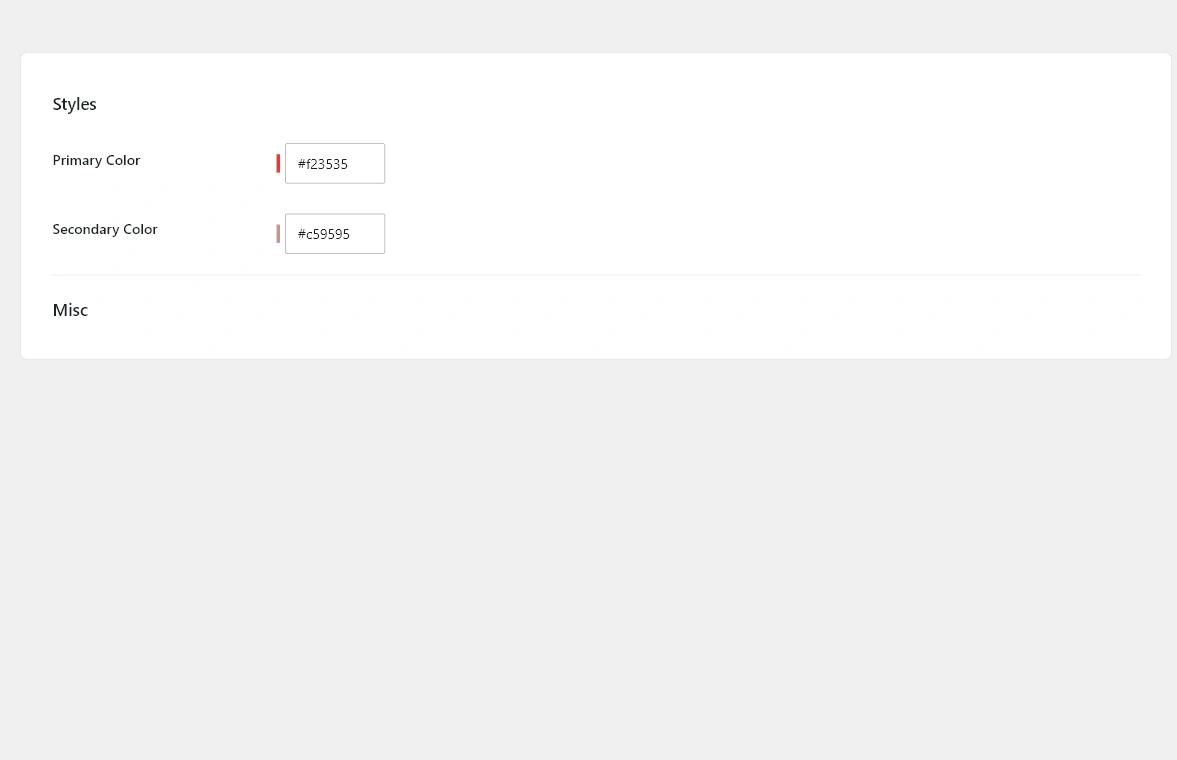
The global style controls include primary and secondary colors. Use these to align uploader buttons, highlights, and progress states with the product page design.
Quantity settings
- Enable product quantity: syncs upload behavior with the WooCommerce product quantity field.
- Enable file quantity: lets customers set quantities for uploaded files.
- Use quantity for price: applies quantity when calculating file upload charges.
- Use quantity for maximum: applies quantity when enforcing upload maximums.
Product-level settings can override global quantity behavior for products with special rules.