
EU Withdrawal Button & Widerruf Form for WooCommerce
From 19 June 2026, every EU store must let customers withdraw as easily as they bought. Most WooCommerce stores still cannot.
Configure withdrawal and returns settings
Open EU Withdrawal → Settings to match the plugin to your store’s policy. The defaults are compliant and sensible, so you can change as little or as much as you like.
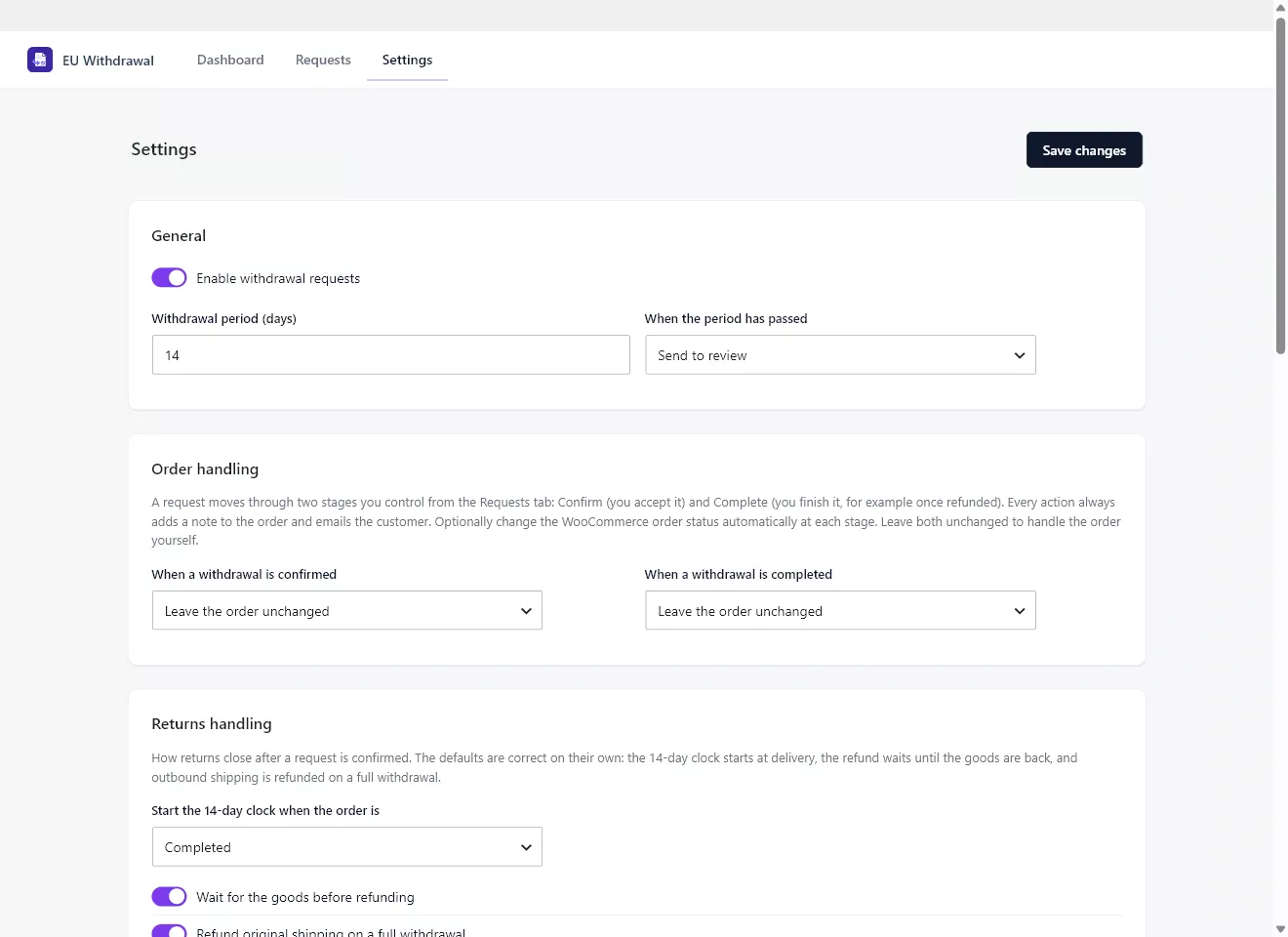
General
- Enable withdrawal requests turns the whole feature on or off.
- Withdrawal period (days) sets the cooling-off window, 14 days by default.
- When the period has passed decides what happens to late requests: send them to review or block them.
Order handling
A request moves through two stages you control from the Requests tab: Confirm (you accept it) and Complete (you finish it, for example once refunded). Every action adds a note to the order and emails the customer. You can optionally change the WooCommerce order status automatically at each stage, or leave the order unchanged and handle it yourself.
Returns handling
- Start the 14-day clock when the order is… chooses the event that counts as the customer receiving the goods. The default is Completed.
- Wait for the goods before refunding lets you hold the refund until the items are back, which the law permits.
- Refund original shipping on a full withdrawal returns the standard outbound shipping when the whole order is withdrawn.
- Default refund method, Return instructions, and Return reasons let you tailor the experience for your store.
Labels
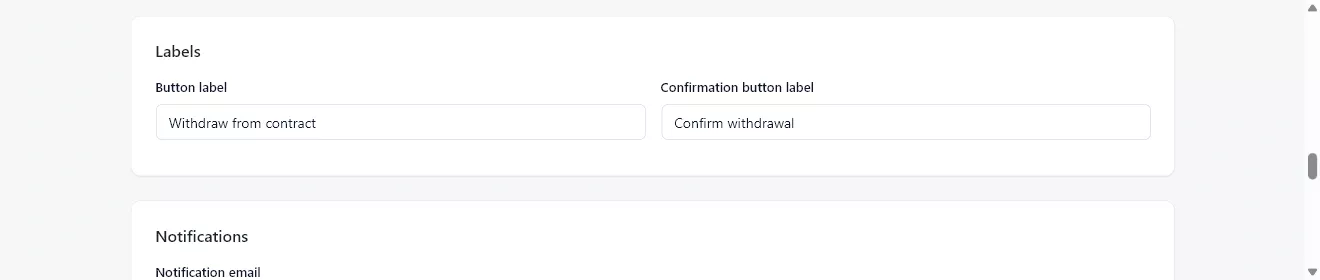
The rule requires two clearly labelled controls. Button label is the entry control (default “Withdraw from contract”) and Confirmation button label is the final control on the confirm step (default “Confirm withdrawal”). Adjust the wording to your language or house style, keeping the meaning clear.
Notifications and webhooks
- Notification email is where new-request alerts are sent.
- Add withdrawal links to order emails appends a withdrawal link to WooCommerce order emails.
- Webhook URL and Signing secret are optional; if set, the plugin posts request events to your endpoint with a signature. Leave them blank to send nothing.
Digital-content consent is configured in its own section; see Digital downloads and the consent waiver for details.