
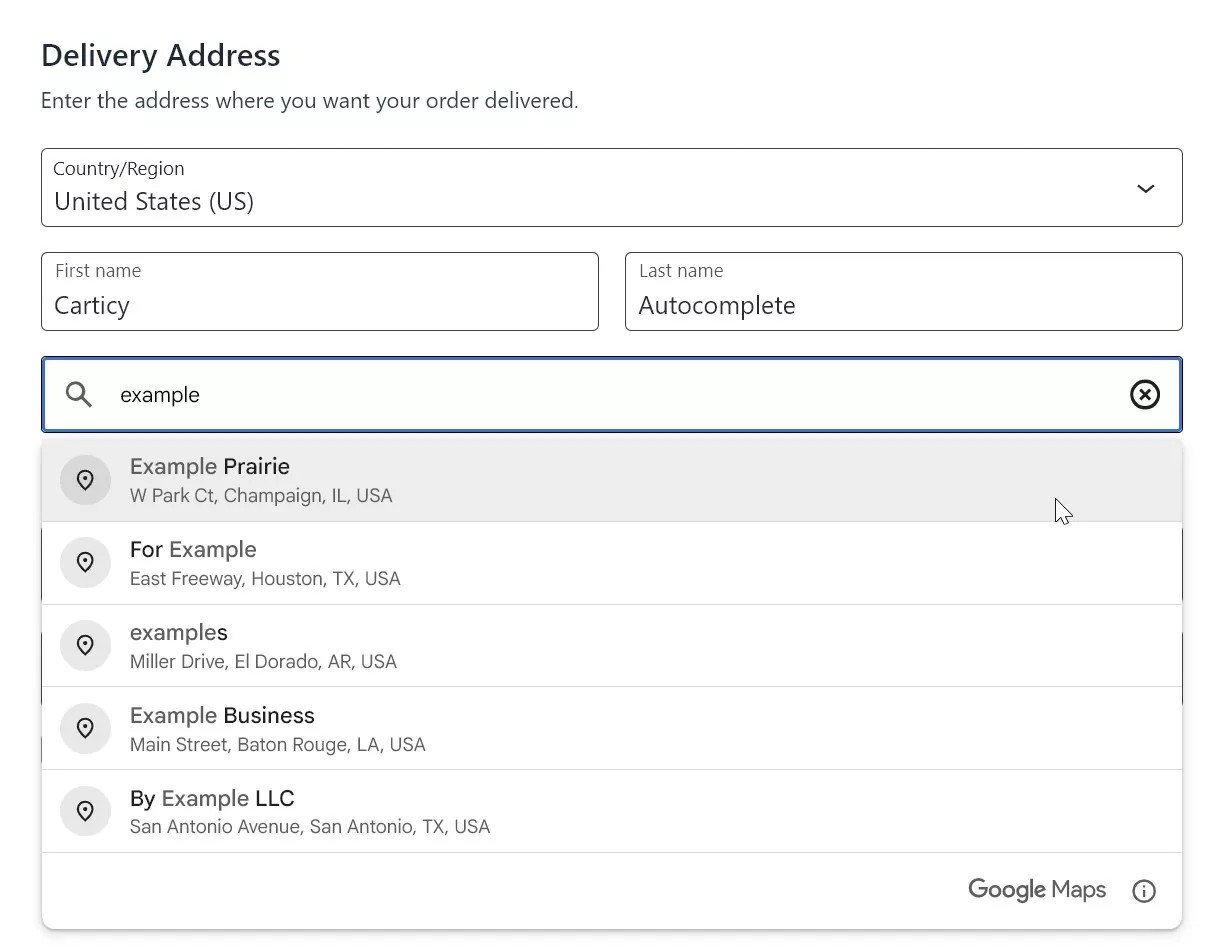
Address Autocomplete for WooCommerce
Google Places autocomplete for WooCommerce checkout. Customers find their full address in a few keystrokes instead of filling six fields by hand.
Every extra field a customer fills by hand is a chance to abandon checkout. Cut address entry down to one click.
- 7-day money-back guarantee
- Last updated July 10, 2026
Key Highlights
Discover what makes this plugin stand out
1
Instant address fill
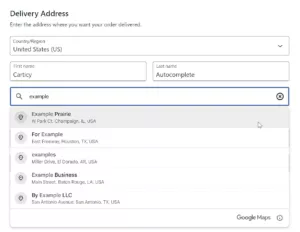
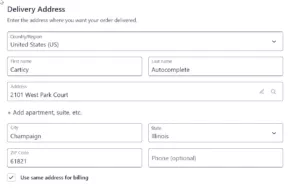
Customers type a few characters and see Google Places suggestions. One click fills street, city, state, postcode and country so checkout feels fast and simple.
2
Classic and Blocks checkout
Full support for the classic WooCommerce checkout and the modern Checkout Blocks in one plugin. You can switch to the new checkout whenever you are ready without losing autocomplete.
3
Smart country handling
Use your store base country, automatic country detection from WooCommerce or a custom list of allowed countries. Suggestions stay local and the plugin stays light with no maps or extra visual clutter.
Screenshots
See the plugin in action
1 of 3
Features Overview
Features
Description
Google Places API Integration
Leverages Google's world-class address database with billions of addresses worldwide. Suggestions are accurate, up-to-date, and formatted correctly for each country's postal standards.
Modern & Classic API Support
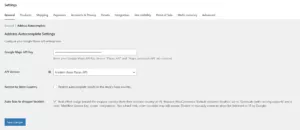
Choose between Google's new Places API (better pricing since March 2025) or the classic Places API. Switch anytime from settings without code changes.
WooCommerce Blocks Compatible
Full support for the React-powered WooCommerce Checkout Block. The plugin integrates cleanly with the block's controlled form state—addresses sync perfectly without hacky DOM manipulation.
Classic Checkout Support
Works flawlessly with the traditional WooCommerce shortcode checkout. Both billing and shipping address fields get autocomplete functionality.
Smart Country Handling
Three modes: (1) Restrict to store base country, (2) Auto-bias suggestions to customer's detected country via IP geolocation, or (3) Custom allowed countries list. Google limits to 15 countries max—the plugin handles overflow gracefully.
Address Component Parsing
Intelligently extracts street number, route, city, state, postal code, and country from Google's response. Handles edge cases like unit numbers (apt, suite) and business addresses.
WooCommerce GeoIP Integration
When auto-bias is enabled, uses WooCommerce's built-in MaxMind geolocation to detect customer country. Falls back gracefully if geolocation isn't configured.
HPOS & Block Compatibility
Officially declares compatibility with WooCommerce High-Performance Order Storage and Checkout Blocks. No conflicts with modern WooCommerce architecture.
Lightweight & Fast
Only loads Google Maps JavaScript on checkout pages. No admin bloat, no frontend impact on non-checkout pages. Optimized API calls keep your Google billing low.
Settings in WooCommerce
Configure everything from WooCommerce → Settings → General → Address Autocomplete. No separate menu pages or confusing options scattered across your admin.
Pricing Plans
Choose the plan that fits your needs
Most Popular
Annual License
Perfect for store owners who want ongoing updates and support.
$29.00 Year
- Core Features:
- Google Places API integration
- Classic checkout support
- WooCommerce Blocks checkout support
- Billing & shipping address autocomplete
- Country Options:
- Restrict to store country
- Auto-bias to customer location
- Custom allowed countries list
- API Support:
- Modern Places API (New)
- Classic Places API (Legacy)
- Support & Updates:
- 1 year of updates
- 1 year of priority support
- 7-day money-back guarantee
Lifetime License
Best value—pay once, use forever with lifetime updates.
$149.00 One-Time
- Everything in Annual, plus:
- Lifetime updates (never pay again)
- Lifetime priority support
- One site license
- Core Features:
- Google Places API integration
- Classic checkout support
- WooCommerce Blocks checkout support
- Billing & shipping address autocomplete
- Country Options:
- Restrict to store country
- Auto-bias to customer location
- Custom allowed countries list
- API Support:
- Modern Places API (New)
- Classic Places API (Legacy)
- Best long-term value
Frequently Asked Questions
Get answers to common questions
Requirements:
– WooCommerce 6.0 or higher
– A Google Cloud account with billing enabled
– Google Maps JavaScript API enabled
– Places API (New) enabled
– Your Google Maps API key
The plugin includes step-by-step instructions for setting up your Google API key correctly.
Google charges approximately $0.017 per autocomplete session (about $17 per 1,000 sessions).
Free Tier: Google provides a $200/month free credit for Maps Platform, which covers roughly 11,700 autocomplete sessions per month at no cost.
Most small to medium stores stay within the free tier.
Yes! Full support for both:
– Classic shortcode checkout
– Modern React-powered Checkout Block
The plugin automatically detects which checkout type you’re using and adapts accordingly. No configuration needed.
Yes. Three options available:
1. Restrict to store country — Only show addresses from your store’s base country
2. Auto-bias — Prioritize customer’s detected location while allowing other countries
3. Custom list — Define your own allowed countries
Note: Google limits country codes to 15 per request.
No. We do not store, track, or transmit customer data. The plugin passes addresses directly to your WooCommerce order. The only external service used is Google’s Places API, which is required for autocomplete functionality.
Your customers’ privacy is protected.
No. The plugin is optimized for performance:
– Google Maps JavaScript loads asynchronously
– Scripts load only on checkout pages
– Autocomplete suggestions are fetched on-demand as the customer types
Zero impact on page load time or other pages.
No problem. Customers can always type their address manually. The native WooCommerce address fields remain fully functional — autocomplete is an enhancement, not a replacement.
Your checkout never breaks due to external API issues.
Generally yes. Works with most checkout customization plugins that don’t completely replace WooCommerce’s address fields.
Compatible with:
– Elementor Pro Checkout
– CartFlows
– FunnelKit
– Most theme-based checkout customizations
For highly customized checkouts, we recommend testing on a staging site first.
Absolutely! In fact, address autocomplete provides the biggest benefit on mobile where typing is slower and more error-prone.
Mobile optimizations:
– Touch-friendly Google Places dropdown
– Works on all screen sizes
– Reduces typing by 80%+
Your mobile conversion rate will thank you.
Modern API (Recommended):
– Released in 2025
– Better pricing
– Improved features
– Active development
Classic API:
– Legacy status
– Still functional
– No new features
We recommend the Modern API for new installations. You can switch between them in settings anytime.
Yes! We offer a 7-day no-questions-asked refund policy. If the plugin doesn’t work for your store or you’re not satisfied for any reason, simply contact support for a full refund.
Zero risk to try.
Related Plugins
You might also be interested in these

AI Checkout for WooCommerce
ChatGPT Instant Checkout for WooCommerce. Reach millions of ChatGPT users by making your products instantly…