
WooCommerce Advanced Files Uploader
Empower your customers to personalize their products with our Advanced Files Uploader for WooCommerce.
Advanced Files Uploader Upload Limits and File Size Limits
Upload limits control how many files customers must upload and how large each file can be.
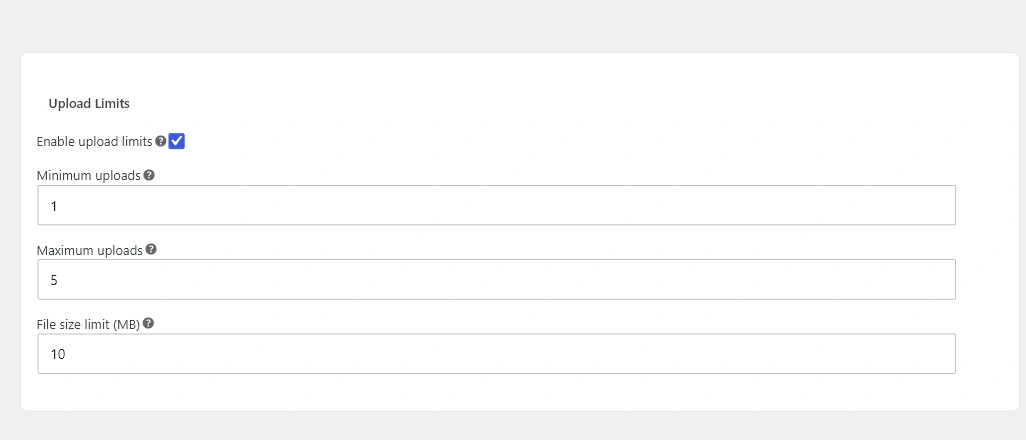
Minimum and maximum uploads
Set a minimum when a file is required before add to cart. Set a maximum when production can only accept a fixed number of files per product or quantity.
File size limit
The product file size limit cannot bypass the server upload limit. If customers see upload failures for large files, check PHP and web server upload limits as well as the product setting.
Customer validation
If the customer adds a product to the cart without meeting the minimum upload requirement, the plugin stops the add-to-cart action and shows a customer-facing validation error.