
EU Withdrawal Button & Widerruf Form for WooCommerce
From 19 June 2026, every EU store must let customers withdraw as easily as they bought. Most WooCommerce stores still cannot.
How the customer withdrawal flow works
The customer flow is a short, three-step process that works in any theme and even without JavaScript. This article walks through each step so you know exactly what your customers experience.
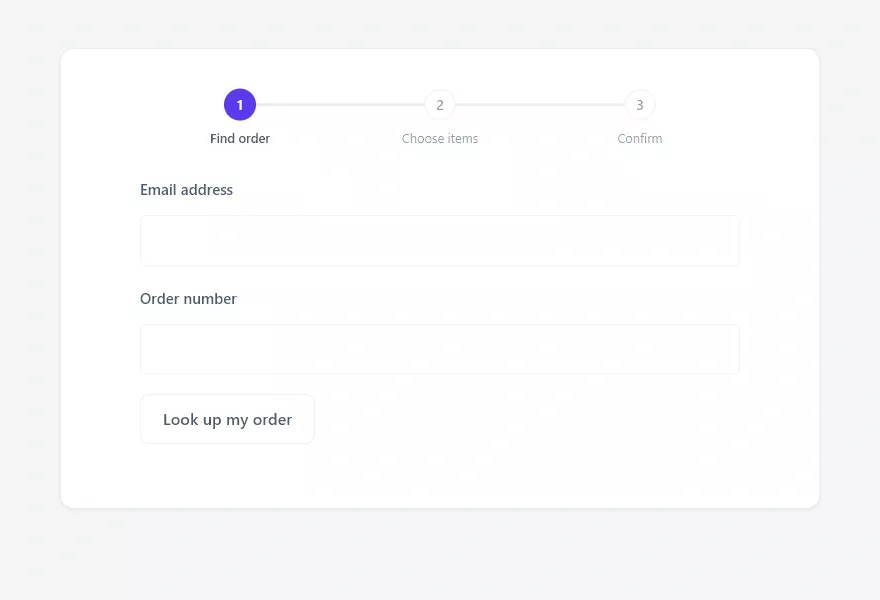
Step 1: Find the order
A guest enters their email address and order number to locate the order. A logged-in customer has their details prefilled and can pick from their recent orders instead. For security, a lookup only succeeds when the email matches the order, and failed lookups return a generic message so order details are never revealed.
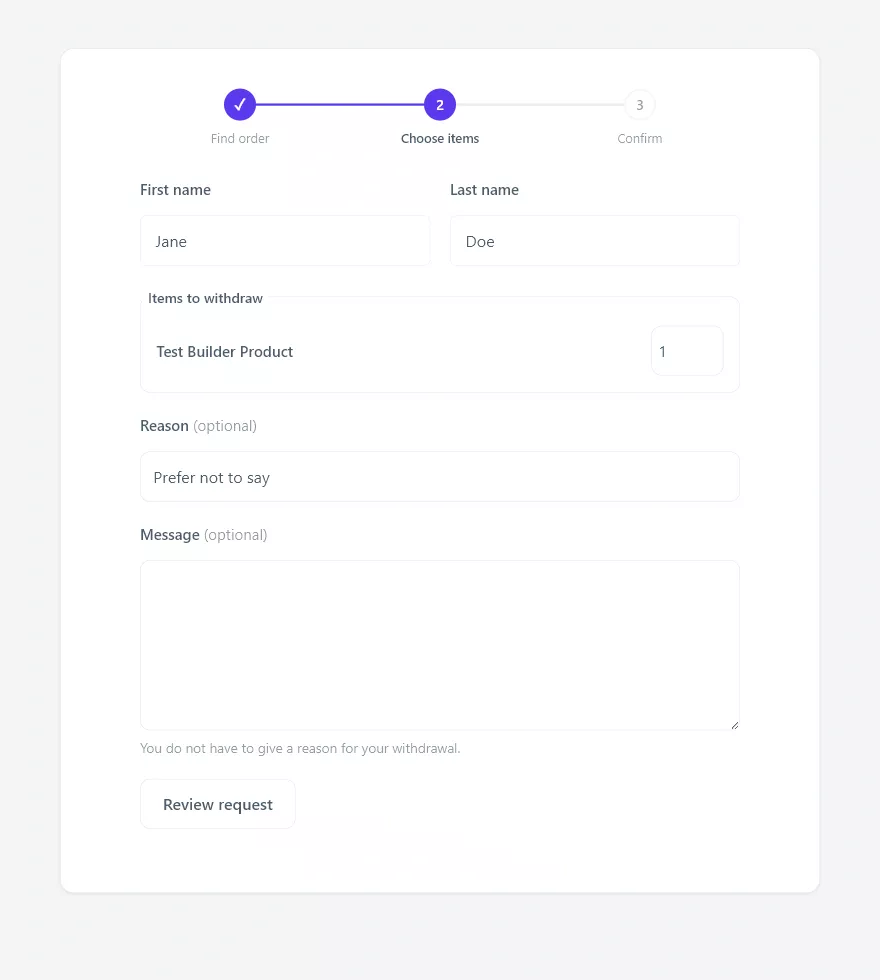
Step 2: Choose items and an optional reason
The customer confirms their name, selects which items to withdraw (the whole order by default), and may add a reason and a message. By law you cannot require a reason, so both fields are clearly marked optional, with a note reminding the customer they do not have to give one.
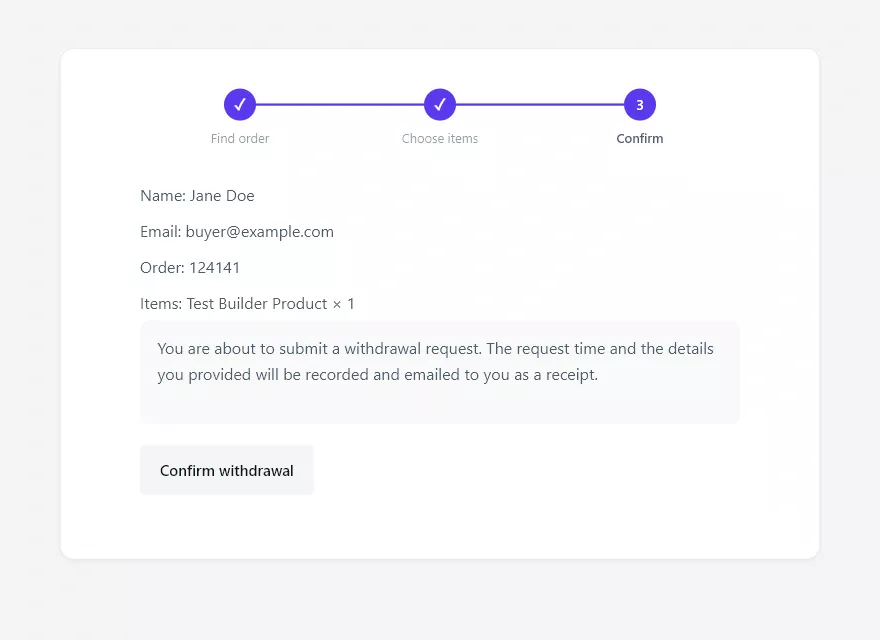
Step 3: Confirm
The final step shows a summary of the declaration and a separate, clearly labelled Confirm withdrawal control. This separate confirmation is a requirement of the rule: the withdrawal is only submitted when the customer actively confirms on this step.
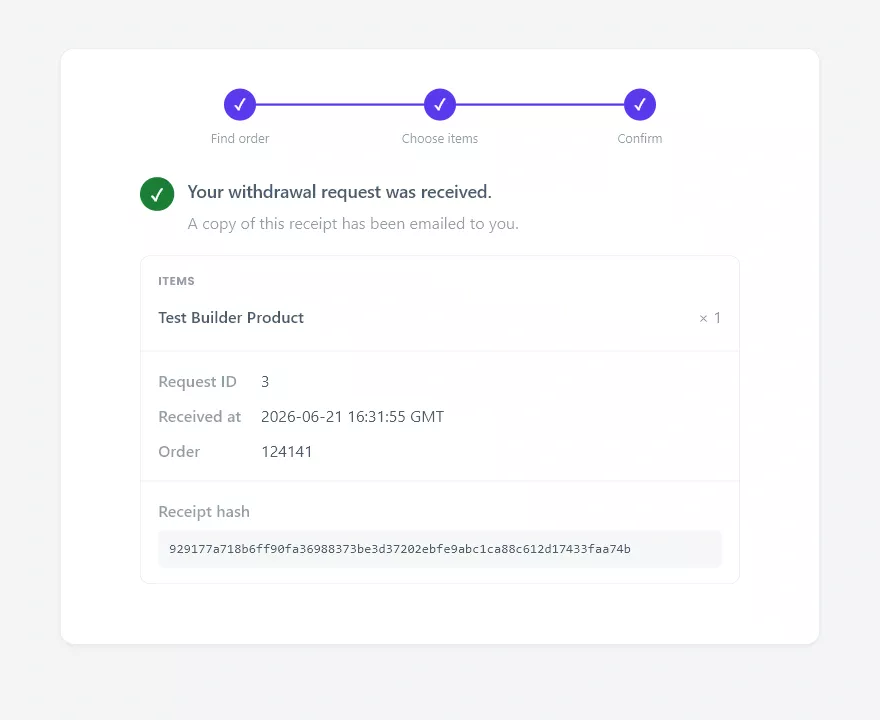
The receipt
Immediately after confirming, the customer sees an on-screen receipt and receives the same receipt by email on a durable medium. It records the items, the exact date and time in GMT, the order, and a receipt fingerprint that both the customer and the store can verify later.
Every completed request then appears in your admin queue, ready for review.