
WooCommerce Shipping Rate by Distance
Calculate WooCommerce shipping costs based on distance, weight, and shipping class. Powered by Google Routes API with smart formulas and zone-level control.
Add Shipping Rate by Distance to a WooCommerce Shipping Zone
After global setup, add Shipping Rate by Distance to each WooCommerce shipping zone where distance-based rates should be offered.
Add the method
- Go to WooCommerce > Settings > Shipping > Shipping zones.
- Edit the shipping zone.
- Click Add shipping method.
- Select Shipping Rate by Distance.
- Open the method settings and enter the customer-facing title.
- Save changes.
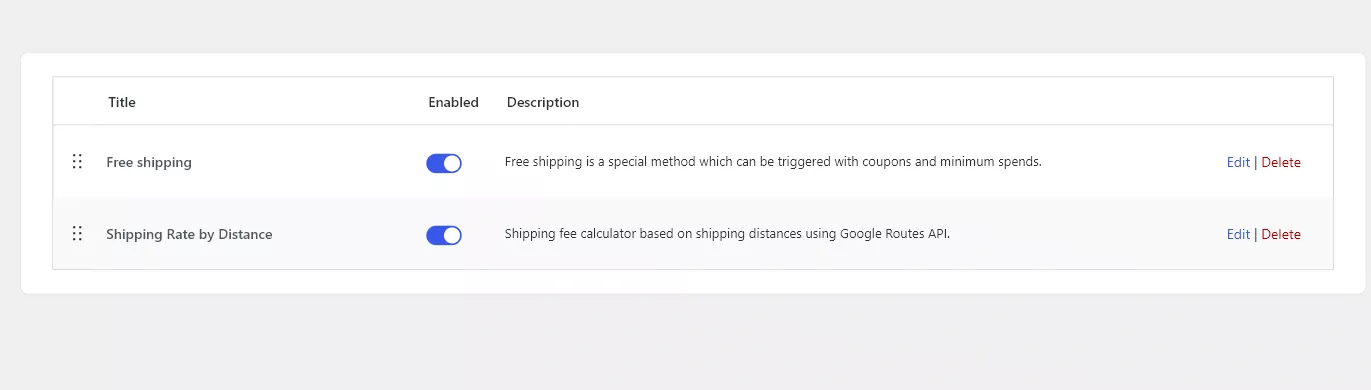
Zone-specific settings
Zone settings contain the method title, distance rules, shipping class overrides, and weight surcharge overrides. Use zone-specific rules when local, regional, or national zones need different distance pricing.
Related
Configure the zone method in detail: Distance Rules, Shipping Class Surcharges, Weight-Based Surcharges, and Advanced Cost Formulas.