
Address Autocomplete for WooCommerce
Every extra field a customer fills by hand is a chance to abandon checkout. Cut address entry down to one click.
Address Autocomplete Requirements & Installation
Address Autocomplete for WooCommerce adds Google-powered address suggestions to checkout address fields.
Requirements
- WooCommerce installed and active.
- A Google Maps Platform API key.
- A valid license for paid features and updates where required.
Install and find settings
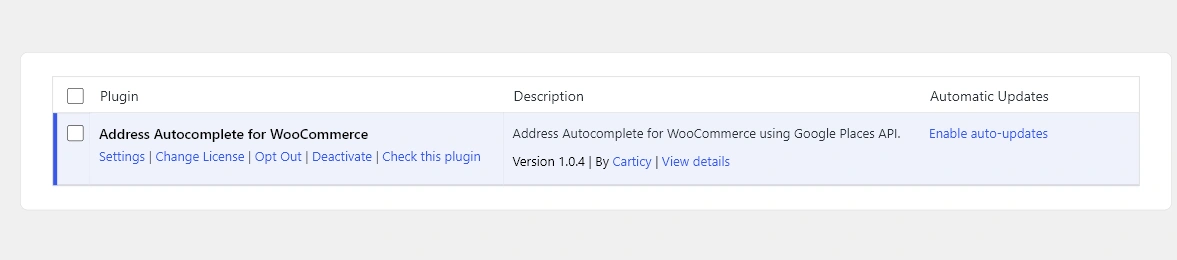
- Upload and activate the plugin ZIP from Plugins > Add New Plugin.
- Go to WooCommerce > Settings > General.
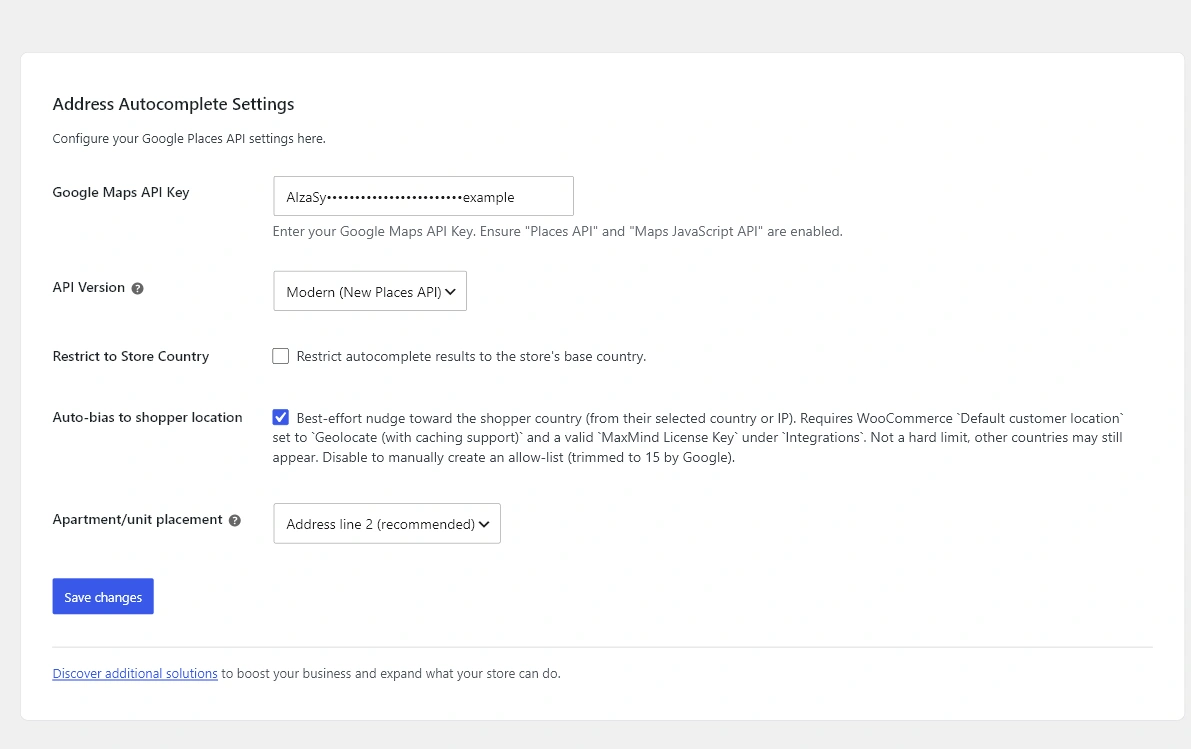
- Find the Address Autocomplete section.
- Enter your Google API key and save changes.
Next steps
Create the Google API key in Google Maps and Places API Setup, then walk through every setting in Configure Address Autocomplete Settings.