
Deposits & Payment Plans for WooCommerce
The official deposits plugin cannot charge the balance at all: it emails the customer and hopes. This one takes the deposit, then charges the rest to the card they already used, on any gateway that supports WooCommerce Subscriptions.
Installation & Licensing
This guide covers downloading, installing, activating and licensing the plugin.
Prerequisites
- WordPress 6.4 or higher
- WooCommerce 8.3 or higher, installed and active
- PHP 8.1 or higher
- Your licence key, sent by email at purchase
WooCommerce Subscriptions is not needed to install the plugin. It is needed for automatic collection. See What It Does & What It Needs.
Download
- Open the download link in your purchase email, or sign in to your Carticy account.
- Download
carticy-installments-for-woocommerce.zip.
Install
- Navigate to Plugins > Add New Plugin.
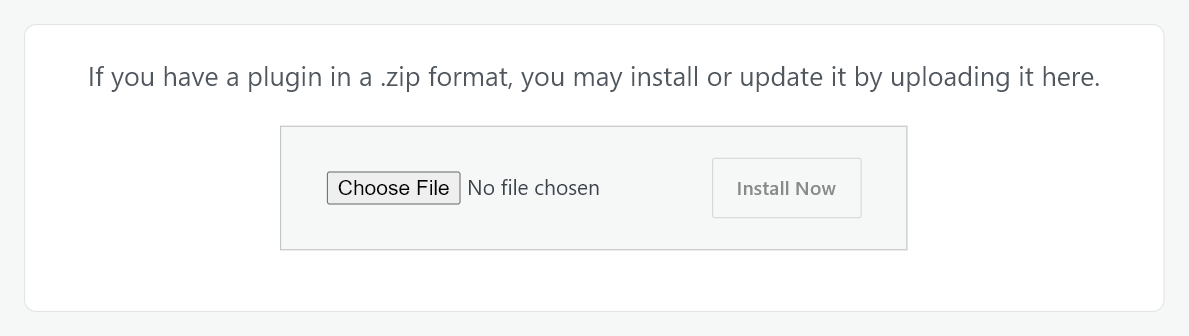
- Click Upload Plugin.
- Choose the .zip file and click Install Now.
- Click Activate Plugin.
Activation creates the plugin’s own database tables and its default settings. Nothing is charged and no order is touched.
Enter your licence key
- Navigate to WooCommerce > Payment plans.
- Paste your licence key into the field and click Activate License.
- Choose whether to receive security and feature update emails. The activation is not finished until you answer.
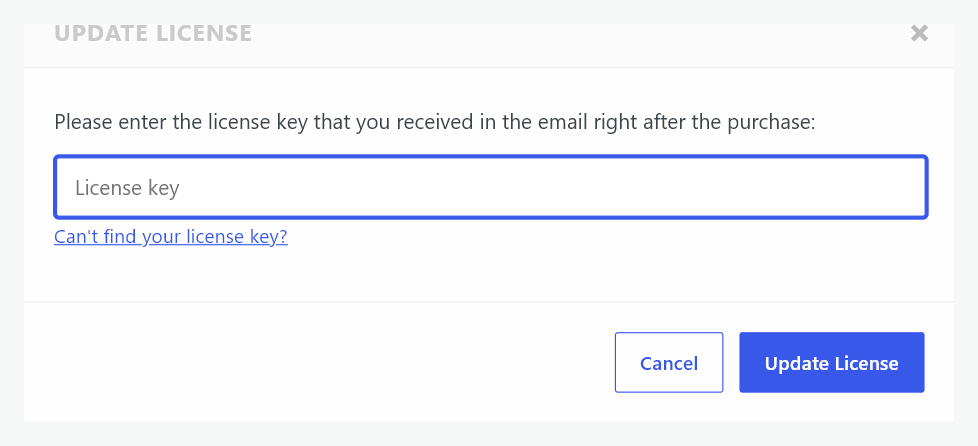
- To change the key later, open WooCommerce > Account and click Change License. The same dialog opens, reading Update License instead of Activate License.
Verification
- WooCommerce > Payment plans opens the plugin’s own screen with Plans, Outstanding balances and Batches, rather than the licence prompt. A fourth tab, Subscriptions, appears only when a WooCommerce Subscriptions subscription carries a plan.
- An Account item appears under WooCommerce, next to Payment plans, showing your licence and its expiry.
- A Payment plans tab appears on the product edit screen for a simple or variable product.

Updates
With an active licence, new versions are offered under Dashboard > Updates and on the Plugins screen like any other plugin. No manual re-upload is needed.
What happens if the licence lapses
Plans your customers have already bought are unaffected. Their schedules are kept and their payments continue to be collected, because a schedule is an agreement you made with a customer while you were licensed.
What stops is the creation of new ones. Products offer no plan, the plan builder refuses to save, and the product editor carries a notice. Renewing restores the offers immediately.
Uninstalling
Deactivating moves every part-paid order to On hold and records where it came from, so no order shows a status WordPress cannot render. Reactivating puts each one back where it was. Nothing is cancelled and no customer is emailed.
Deleting the plugin removes its data only if you have turned that option on first. The plan recorded on each order is always kept, because it is that order’s own record of what the customer agreed to.